A real browser for your agent and your code
Screenshots, clean Markdown, PDFs and scrolling videos of any web page, rendered in current Chrome. One HTTP request or an MCP server, with nothing to install or keep running.
100 free renders a month, no card · Paid credits never expire · Failed renders are free
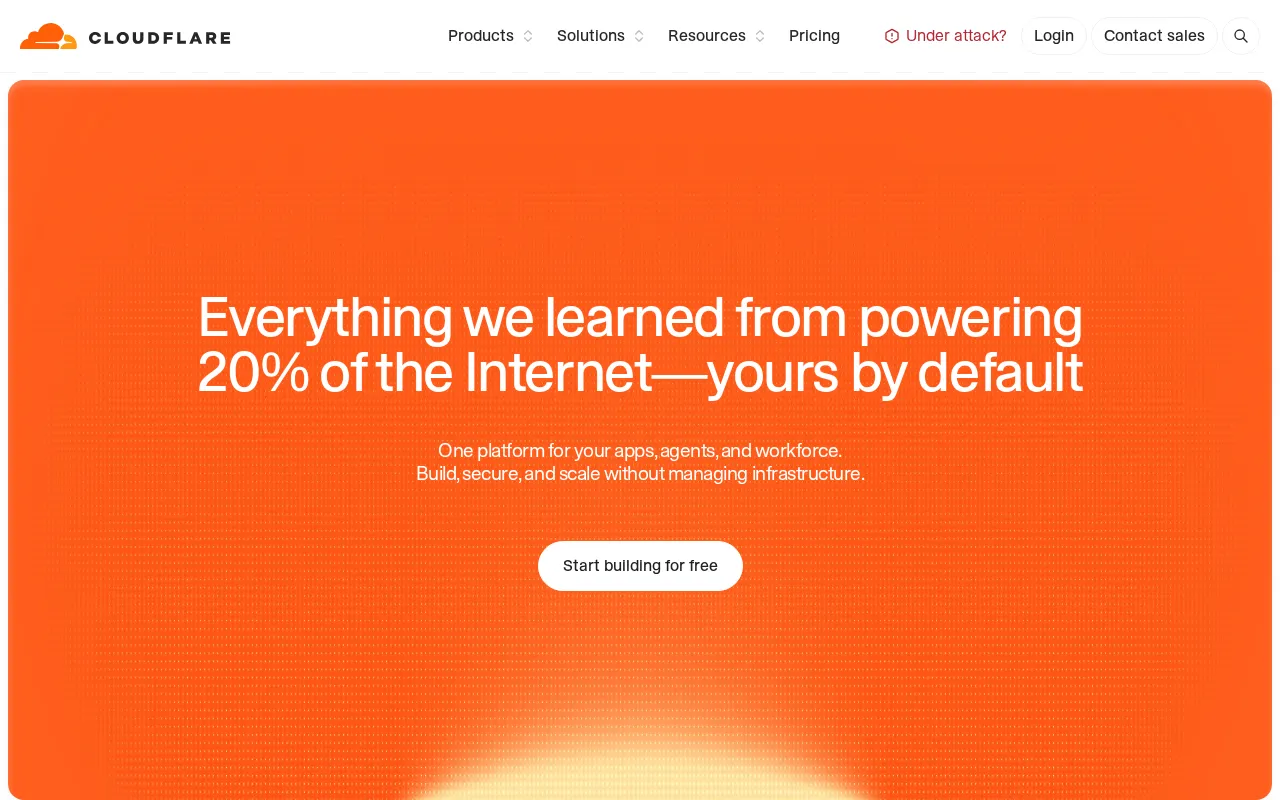
curl "https://shotlane.dev/v1/screenshot?url=https://www.cloudflare.com/&format=webp&hide_cookie_banners=true&block_chats=true&hide_popups=true" -H "X-API-Key: $SHOTLANE_API_KEY" -o page.webp
Capture clean pages
We take care of cookie banners, pop-ups, ads and chat bubbles. You just specify the parameter of the ones you want to remove.
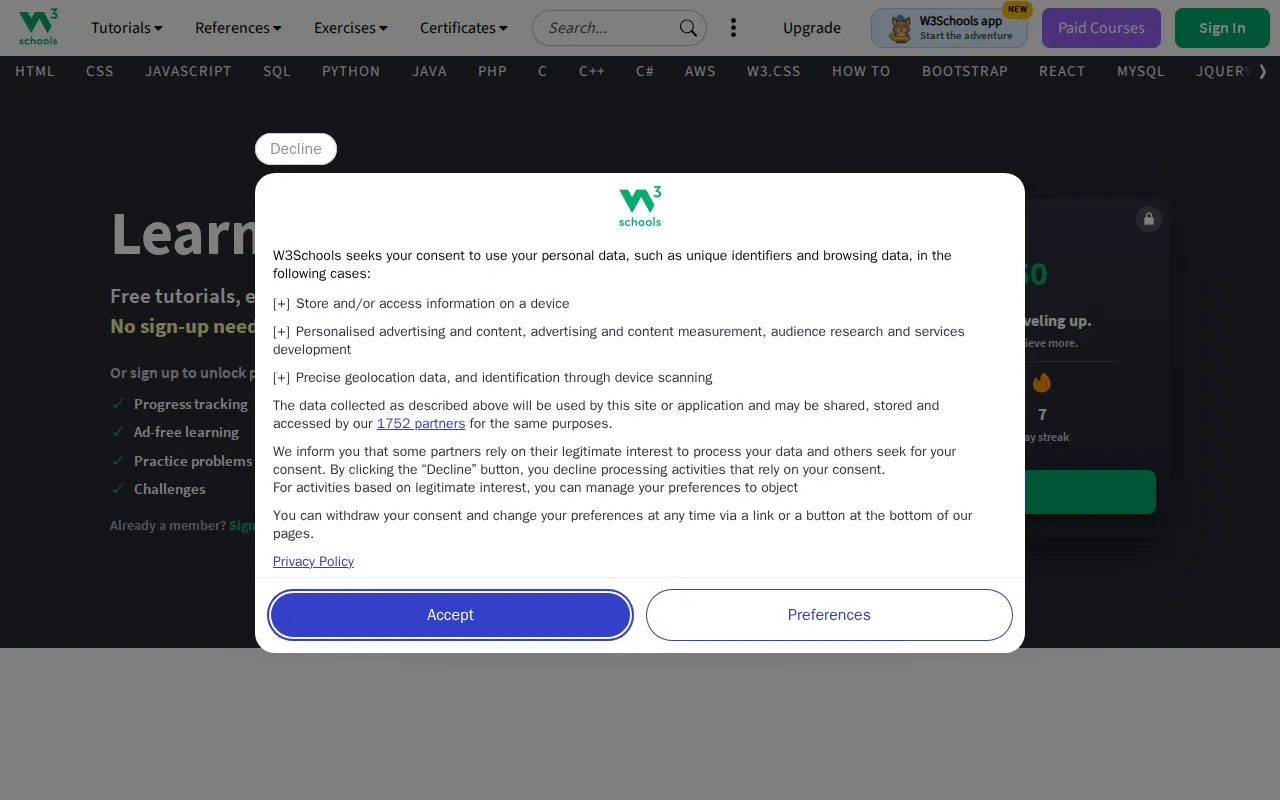
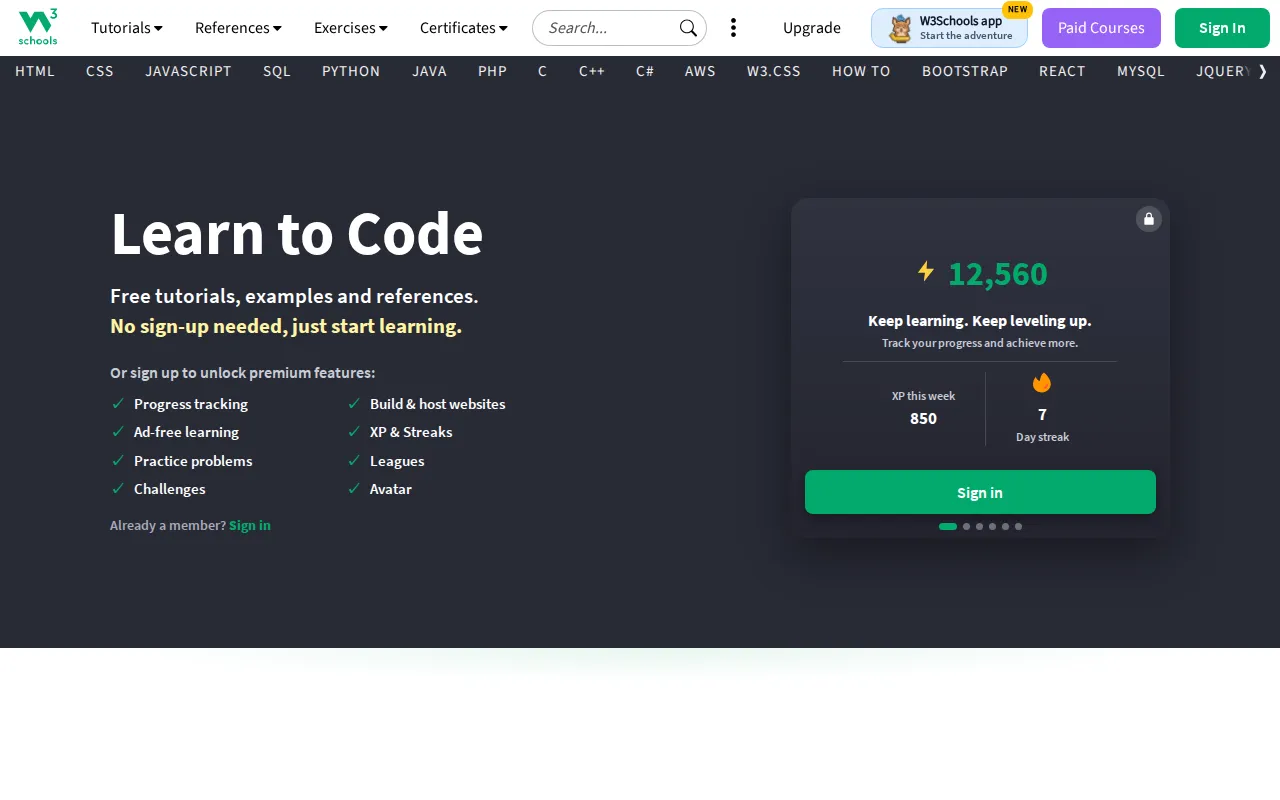
GET /v1/screenshot?url=www.w3schools.com
Every screen your users have
iPhone, iPad, Pixel or any width, in light or dark mode, a single element or the whole page. Over 200 real devices, each with its own size, scale and user agent.
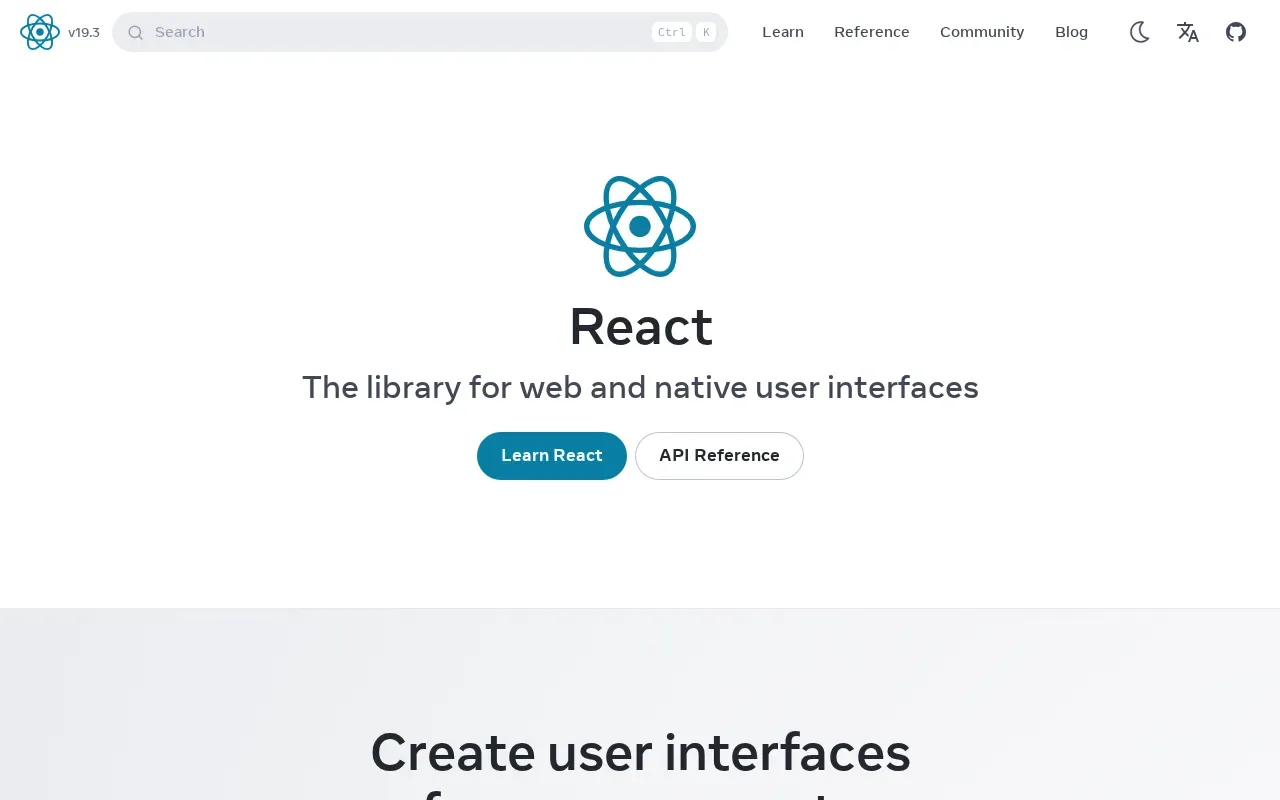
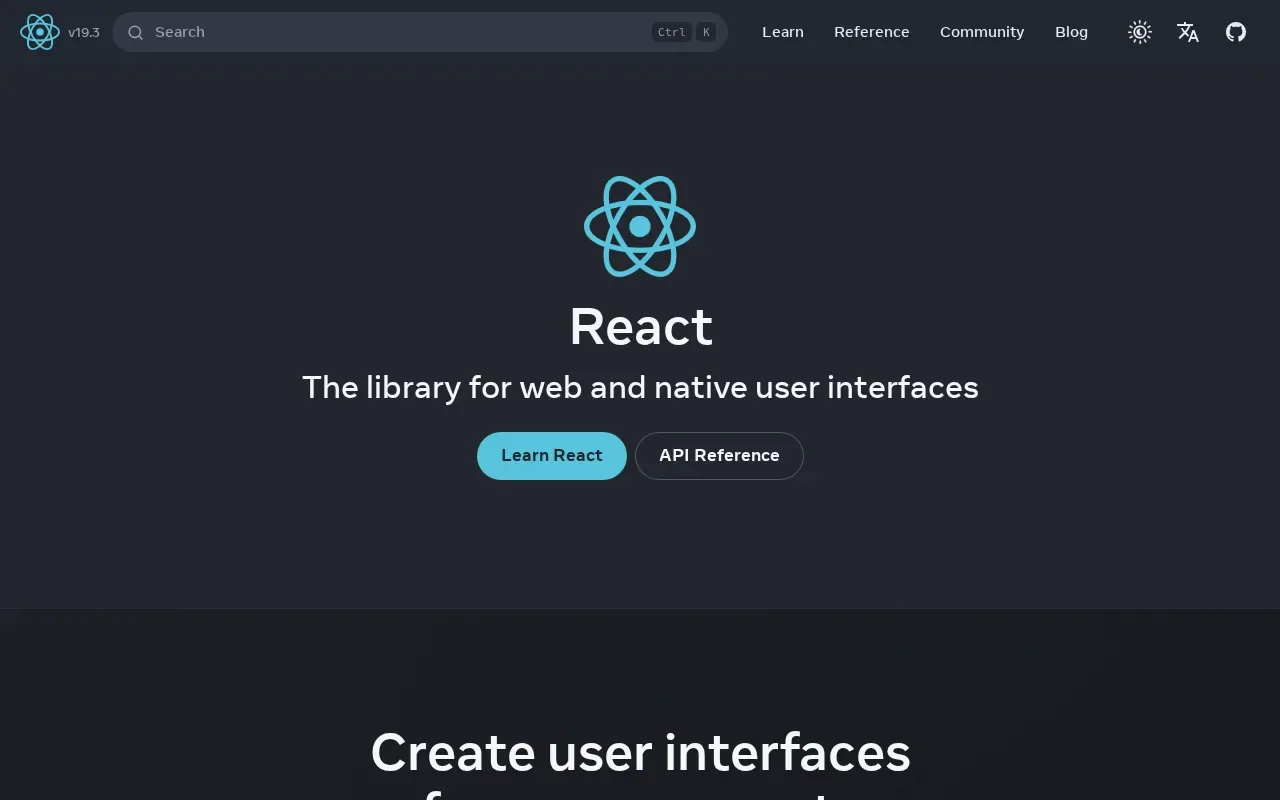
GET /v1/screenshot?url=react.dev
Add one URL and your agent can see the web
ChatGPT, Claude, Cursor and any other MCP client can use Shotlane to look at a page in real Chrome, read it as clean Markdown and check it on phones, with nothing to install or keep running.
claude mcp add --transport http shotlane https://shotlane.dev/mcp
ChatGPT, Claude and Cursor sign in with OAuth, so the URL is all you need. Your agent can even sign up by itself.
Set up your agent →What would you change on shotlane.dev to get more signups? Look at it on desktop and on a phone.
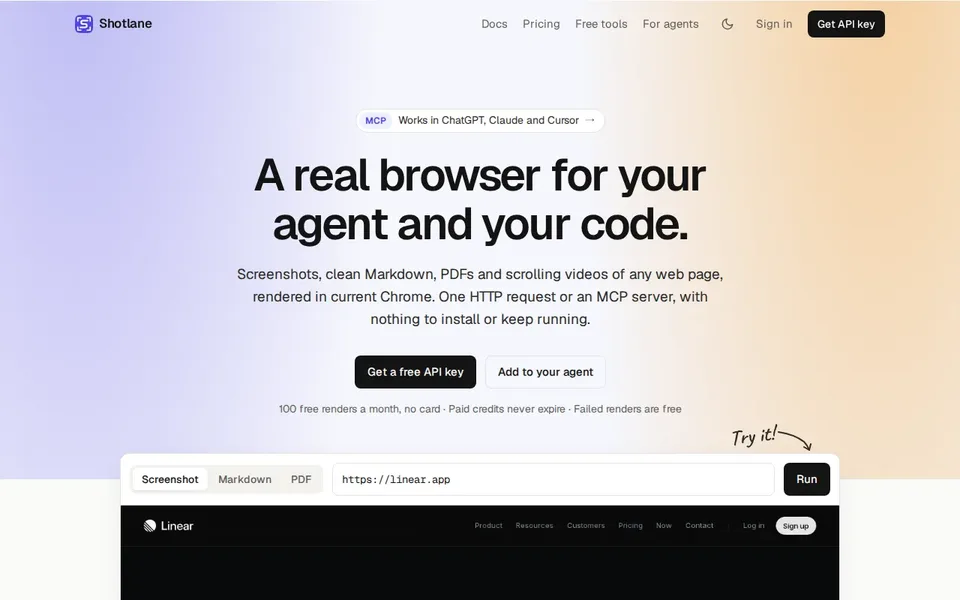
On desktop the first screen does its job: one clear headline, the free API key as the main button, “100 free renders a month, no card” right under it, and the live demo already in view.
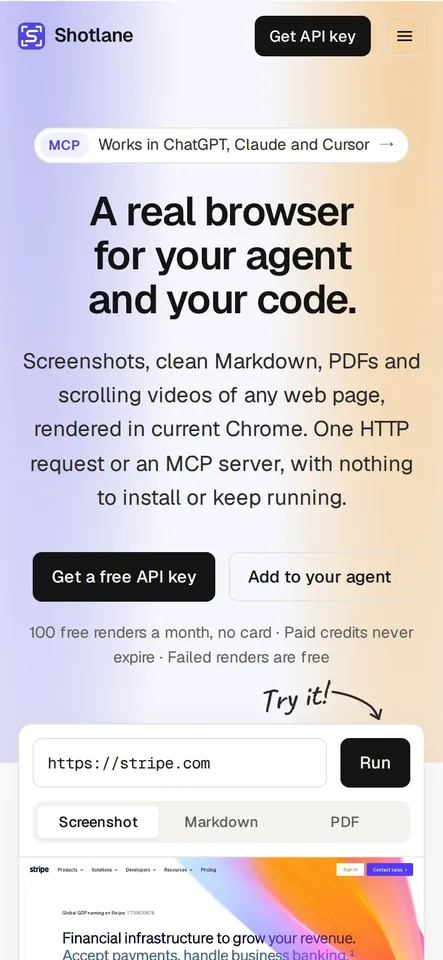
On the iPhone the lead runs to five lines, so the demo starts at the very bottom: Run is there, but only the top edge of its result shows. A shorter lead on phones would bring the result itself into the first screen. Want me to draft one?
Your first render in one request
Call it from anything that speaks HTTP. The Python and Node SDKs are one file each, with no dependencies. Read the docs →
# A clean full-page capture for an AI audit: no cookie banner, pop-ups or ads
curl -G --fail-with-body https://shotlane.dev/v1/screenshot -H "X-API-Key: $SHOTLANE_API_KEY" \
  -d url=stripe.com -d full_page=true -d format=webp \
  -d hide_cookie_banners=true -d hide_popups=true -d block_ads=true \
  -o stripe.webp

# The same page on an iPhone, in dark mode
curl -G --fail-with-body https://shotlane.dev/v1/screenshot -H "X-API-Key: $SHOTLANE_API_KEY" \
  -d url=stripe.com -d device=iphone_18_pro -d dark_mode=true -o stripe-iphone.png
# curl -O https://shotlane.dev/sdk/shotlane.py   (standard library only)
import os
from shotlane import Shotlane

sl = Shotlane(os.environ["SHOTLANE_API_KEY"])

# Thumbnails for a directory: each site clean, 640 px wide, cached for a day
for site in ["linear.app", "vercel.com", "supabase.com"]:
    image = sl.screenshot(site, hide_cookie_banners=True, block_chats=True,
                          image_width=640, format="webp", cache_ttl=86400)
    open(f"{site}.webp", "wb").write(image)
// curl -O https://shotlane.dev/sdk/shotlane.mjs   (Node 18+, Deno, Bun)
import fs from "node:fs/promises";
import { Shotlane, signUrl } from "./shotlane.mjs";

const sl = new Shotlane(process.env.SHOTLANE_API_KEY);

// An Open Graph image for a blog post, from your own HTML at 1200×630
const html = `<h1 style="font: 700 64px system-ui">Launch week</h1>`;
await fs.writeFile("og.png", await sl.screenshot({ html }, { width: 1200, height: 630 }));

// Or a signed link for <meta property="og:image">: safe in public HTML, cached for a day
const og = signUrl({ url: "https://example.com/blog/launch", width: 1200, height: 630, cache_ttl: 86400 },
  process.env.SHOTLANE_PUBLIC_KEY, process.env.SHOTLANE_SIGNING_SECRET);
# Claude Code. Cursor, VS Code, ChatGPT and Claude.ai: see https://shotlane.dev/integrations
claude mcp add --transport http shotlane https://shotlane.dev/mcp

# Tools: screenshot, html_to_pdf, read_page, check_page, credits. Sign-in is OAuth.
# No key, 5 a day: a page as Markdown, and a screenshot
curl shotlane.dev/md/https://react.dev/learn
curl --fail-with-body shotlane.dev/shot/https://github.com -o github.png
- In your code and CI: SDKs for Python and Node, and a GitHub Action.
- Anywhere that can fetch a URL: put
shotlane.dev/md/or/shot/in front of a link, no key needed for 5 a day. Docs for agents.
Beyond one page
When one render isn't enough.
Crawl a whole site
Up to 500 pages as clean Markdown in one ZIP, for search or a model's context.
Crawl →Many URLs at once
Up to 500 URLs as screenshots, PDFs or Markdown in one ZIP, from the API or a pasted list.
Bulk →Watch pages for changes
Hourly to weekly checks of how a page looks or what it says, by email or webhook.
Monitors →Live screenshots in your pages
Signed image links for link previews and social cards, without exposing your key.
Signed URLs →The details are handled
Everything you'd otherwise build around a headless browser, as one parameter.
Scrolling videos
Any page as an MP4, WebM or GIF that scrolls from top to bottom, for demos and social posts.
How it works →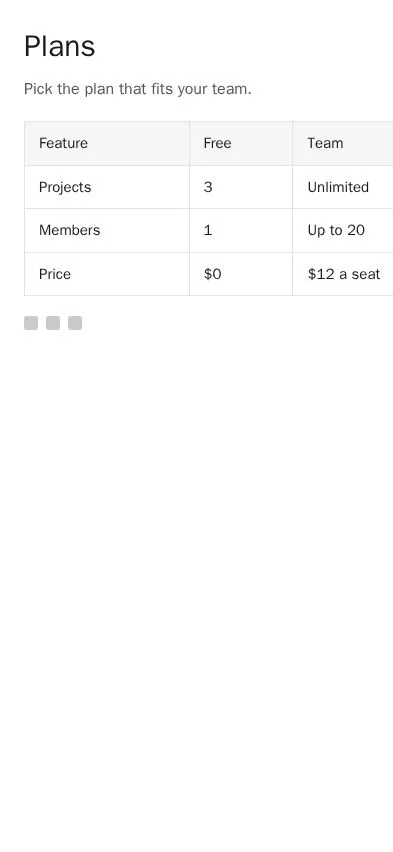
- failSideways scrolling
- passViewport tag
- passNo JavaScript errors
- passNo broken images
Phone, tablet and desktop checks
A screenshot per device plus what a person would notice: sideways scrolling, cut-off text, low contrast and JavaScript errors.
Try it free →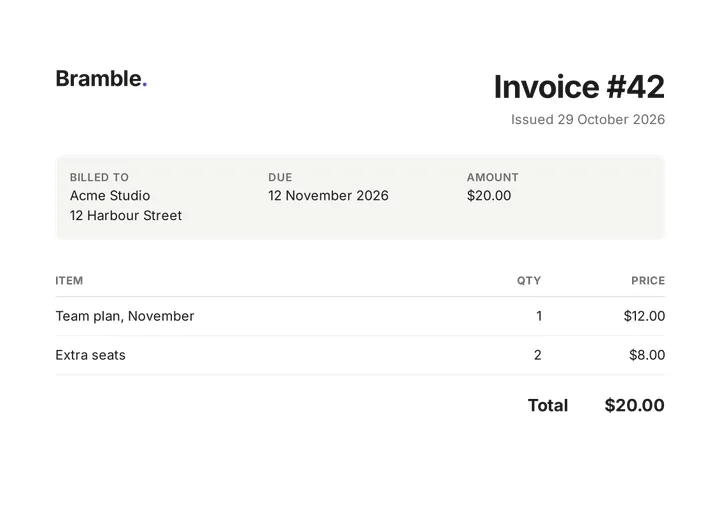
PDFs from your HTML
Invoices and reports with flexbox, grid, web fonts, page numbers, headers and footers, in under a second.
PDF options →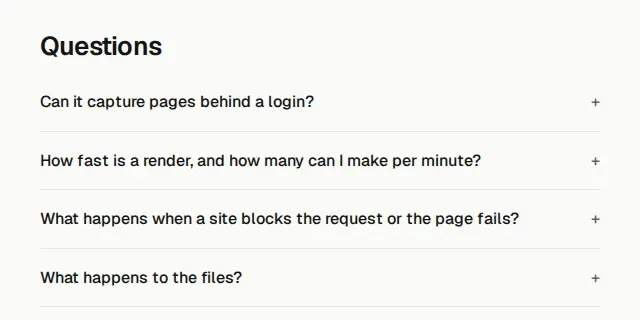
Interact before the capture
Click, hover, scroll to an element, wait for it to appear or disappear, or run your own CSS and JavaScript first.
Options →Pages behind your login
Send cookies, headers, a bearer token or basic auth. They go only to the page's own host, for that one request, and are never stored.
Login options →- 200screenshot1 credit
- 422timeoutfree
- 200bot-protection pagefree
Failed renders are free
A fresh sandboxed browser per page, private networks blocked, files deleted after 24 hours. Errors and timeouts aren't charged, and bot-protection pages are free up to a daily allowance.
What isn't charged →What is Shotlane used for?
The jobs people hand to a screenshot API, and where to start with each.
AI page audits
Capture a page on desktop and phone without cookie banners or pop-ups, and hand it to a vision model for a design, UX or conversion review.
Read the guide →Directory and gallery thumbnails
Hundreds of sites in one bulk job, each a clean capture resized to a thumbnail, with a signed webhook when the ZIP is ready.
Bulk docs →Screenshots in articles
A real screenshot of each site an article names, captured unattended and cached, instead of a stock image.
Screenshot docs →Open Graph images
Social cards rendered from your own HTML at 1200×630, or a signed image link that goes straight into og:image.
Read the guide →Agents that see the web
ChatGPT, Claude, Cursor and any other MCP client can look at pages, read them and check them on phones.
Set up your agent →Checking preview deploys on phones
Every preview URL on phone, tablet and desktop, with the layout bugs a person would notice, from a GitHub workflow.
Read the guide →Pages as Markdown for LLMs
JavaScript-heavy pages as clean Markdown for RAG, search or a model's context, without navigation, footers and cookie text.
Read the guide →Watching pages for changes
Know when a page you care about changes how it looks or what it says: scheduled checks with an email or webhook.
Monitors docs →Pay once, credits don't expire
No monthly plan. Buy a pack when you need it and use it this week or next year. One credit is one screenshot, PDF or Markdown page.
Prices in USD, including VAT or sales tax; checkout can show the amount in your currency. Free credits are spent first, then paid credits. Your free credits are topped up to 100 at the start of every month (UTC); paid credits never expire. Videos use paid credits only. Failed renders are refunded automatically. Need more than 250,000 credits or 200 requests per minute? Email us.
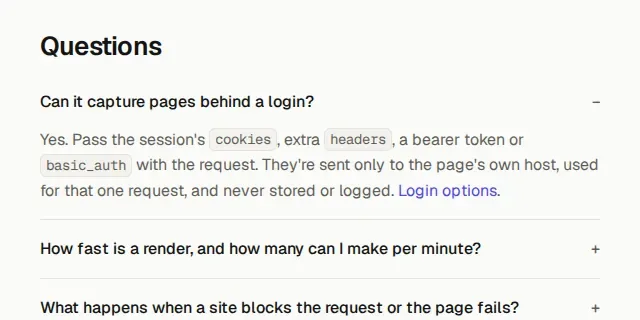
Questions
Can it capture pages behind a login?
Yes. Pass the session's cookies, extra headers, a bearer token or basic_auth with the request. They're sent only to the page's own host, used for that one request, and never stored or logged. Login options.
How fast is a render, and how many can I make per minute?
Most pages take a few seconds, PDFs from your own HTML well under one. Each render may take up to 90 seconds. Free accounts make up to 10 requests per minute; lifetime purchases of $10, $50 and $150 raise that to 60, 100 and 200. More return 429 with the seconds to wait (rate limit tiers). For hundreds of pages, bulk jobs take up to 500 URLs and work through them for you.
What happens when a site blocks the request or the page fails?
You aren't charged. Errors, timeouts and bot-protection pages (Cloudflare, Akamai, DataDome and others; 100 a day, plus one for every page that renders) are refunded, and the response says what happened with an error code you can branch on. Challenges that solve themselves are waited out first, and you can route a request through your own proxy. Error codes.
What happens to the files?
By default the response is the file itself and nothing is kept. If you want more, ask for a hosted link that lasts 24 hours, cache renders so repeat requests are free, or have each render uploaded straight to your own S3, R2 or B2 bucket. Storage and caching.
Which formats can I get?
Screenshots as PNG, JPEG, WebP or AVIF, at any size or a full page up to 32,000 pixels tall (16,383 as WebP). PDFs in A4, Letter and other sizes with headers, footers, page numbers, watermarks and passwords. Markdown or structured JSON from a page, scrolling videos as MP4, WebM or GIF, and the page's HTML after JavaScript ran.
Does it wait for JavaScript-heavy pages?
Yes. Pages render in current Chrome and Shotlane waits for the load plus a quiet network before capturing, and full pages are scrolled first so lazy images appear. For apps that load later, wait for a selector, for a spinner to disappear, or add a fixed delay. Waiting options.
Can my agent sign up by itself?
Yes. It calls POST /v1/signup with your email address and shows you a short code. You open the link Shotlane emails you, type the code, and the agent collects its key with 100 free credits a month. Nobody gets a key for an address they don't own.
Get your API key
Confirm your email and get your key with 100 free renders every month, or sign in with GitHub or Google. No card needed.
100 free renders a month · no credit card · GitHub and Google sign-in
By signing up you agree to the terms. How your data is handled: privacy policy.